HTML
<a href="" target="_blank">优品课堂</a> #target属性在新窗口打开标签
> 用 > 表示
< 用 < 表示
& 用 & 表示
空格 用 表示
<img src="" alt=""> #图片不能正常显示时,输出alt中的内容
<ol>
<li>python</li>
<li>C</li> #有序列表
</ol>
<ul>
<li>python</li>
<li>C</li> #无序列表
</ul>
<p align="">
align文本对齐方式
</p><table border="1" cellspacing="5" cellpadding="5"> #表格,border显示边框,单元格间距,内容与边框间距
<tr> #行
<td> </td> #列
<td> </td>
</tr>
</table><form action="路径" method="post/get"> #表单,收集用户输入的信息
用户名:<input type="text" name="username">
<br>
<textarea name="" id="" cols="30" rows="10"></textarea> #多行文本输入
<br>
<select name="" id="">
<option value="1">选项1</option>
<option value="2">选项2</option>
<option value="3">选项3</option>
<option value="4">选项4</option> #有选项
</select>
<br>
<input type="radio"> 男 #单选
<br>
<input type="checkbox" #打勾单选框
<input type="button" value="普通按钮">
<input type="submit" value="提交">
</form><div>
</div> #块状元素,默认换行<head>
<meta charset="UTF-8"> #meta标签表示原数据的声明
<link rel="stylesheet" href="css/style.css" #引用样式表文件地址
</head>CSS
专业名词解释
行内非替换元素
- 行内非替换元素是那些在文档中直接定义内容的行内元素,它们在页面上直接显示文本或其他 HTML 内容。这些元素不会导致周围文本换行,适合用于需要局部样式应用的场景。
<head>
	<style>
		body{
			background-color: #333;
			color: #0f0;				#元素,样式选择器
		}
	</style>

	<style>
		*{			#全局选择器

		}
	</style>

	<style>
		#id名称{
					id选择器
		}
	</style>

	<style>
		.bg_blue {
						#类选择器
		}
	</style>
</head>
九九乘法表
<head>
    <meta charset="UTF-8">
    <meta name="viewport" content="width=device-width, initial-scale=1.0">
    <title>练习</title>
    <style>
        span{
            display: inline-block;
            width: 101px;
            padding: 5px 10px;
            border: 1px solid pink;
            margin: 2px;
            border-radius: 5px;
            box-shadow: 2px 2px 2px rgba(255, 192, 203, .4);
            background-color: rgba(255, 192, 203, .1);
            color: hotpink;
        }
    </style>
</head>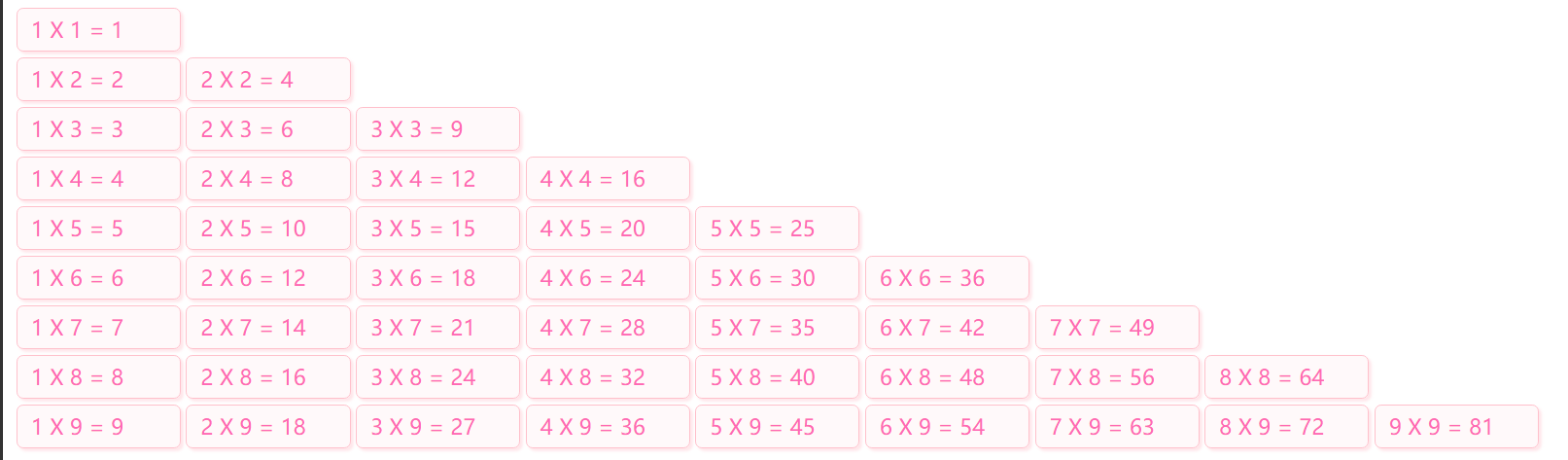
JavaScript
<DOCTYPE html >
<html lang="en"
<head>
	<meta charset="UTF-8"
	<title>JavaScript</title>
	<script>
		function sayHello(name){
			document.write('<h1>' + name + '</h1>')
		}
	</script>
</head>
<body onload="sayHello('Eason')">
	<input type="button" onclick="sayHello('T om' value="触发事件,单击按钮执行函数")"
	<script>
		document.write('<h1>Hello World</h1>');
	</script>
	<script> src="scripts/custm.js"</script>
	<script>
		var course = "Python爬虫数据采集"
		document.write('<h1>'+ course + '</h1>');

	</script>
</body>
逆向
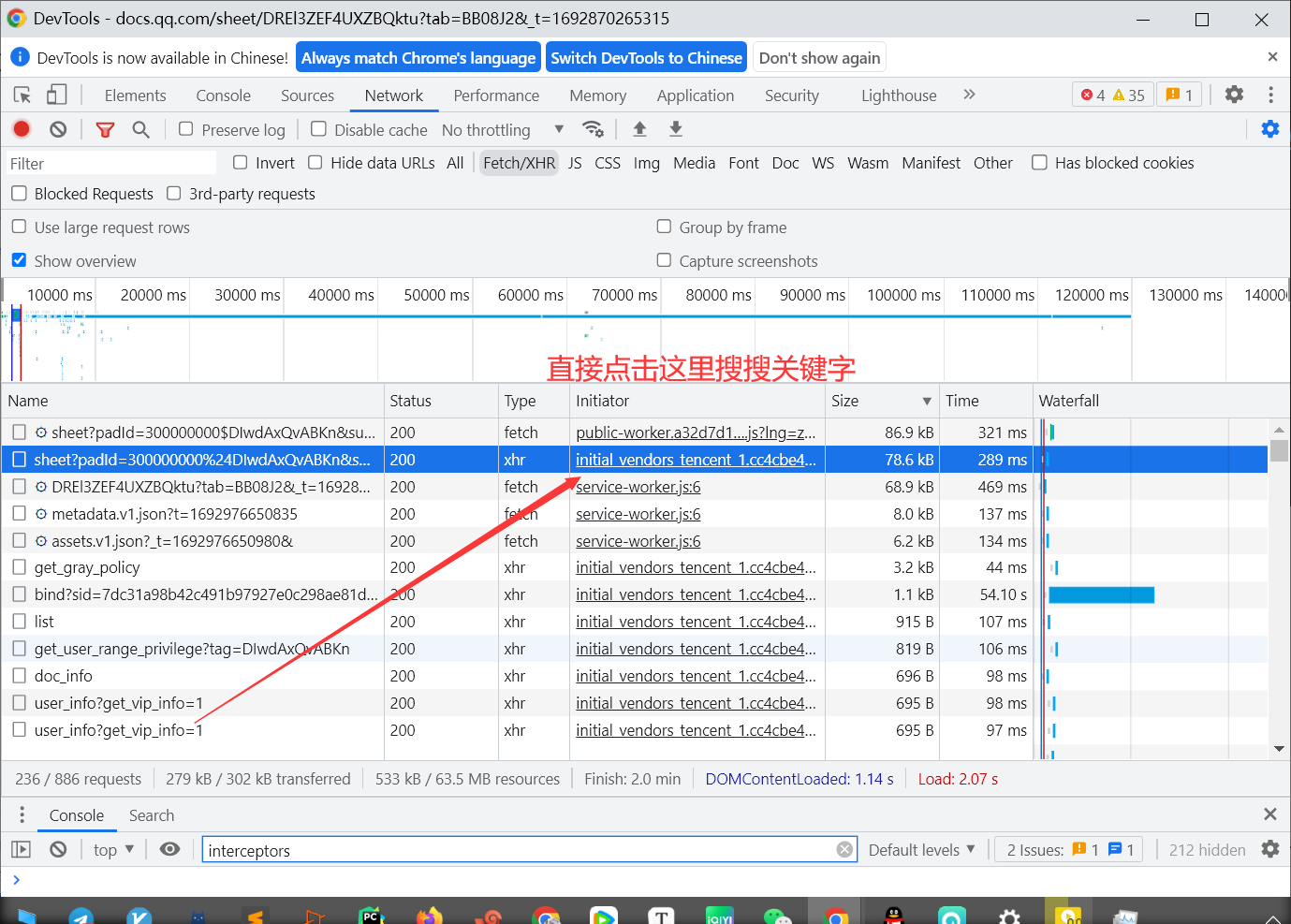
- 直接搜 AES encrypt decrypt( JSON.parse( interceptors
- axiosInstance.interceptors.response.use
HOOK
-
hook cookie
-
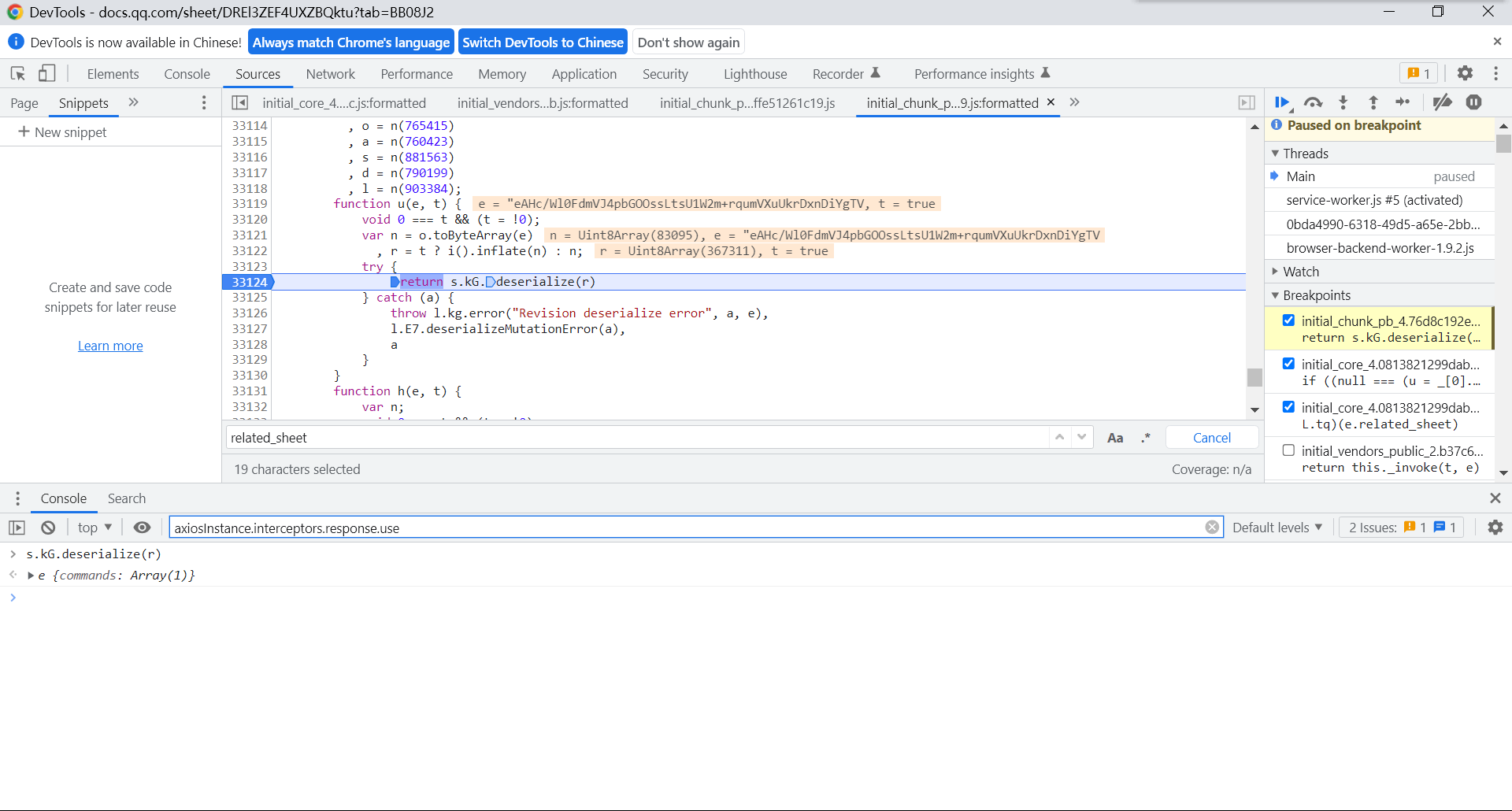
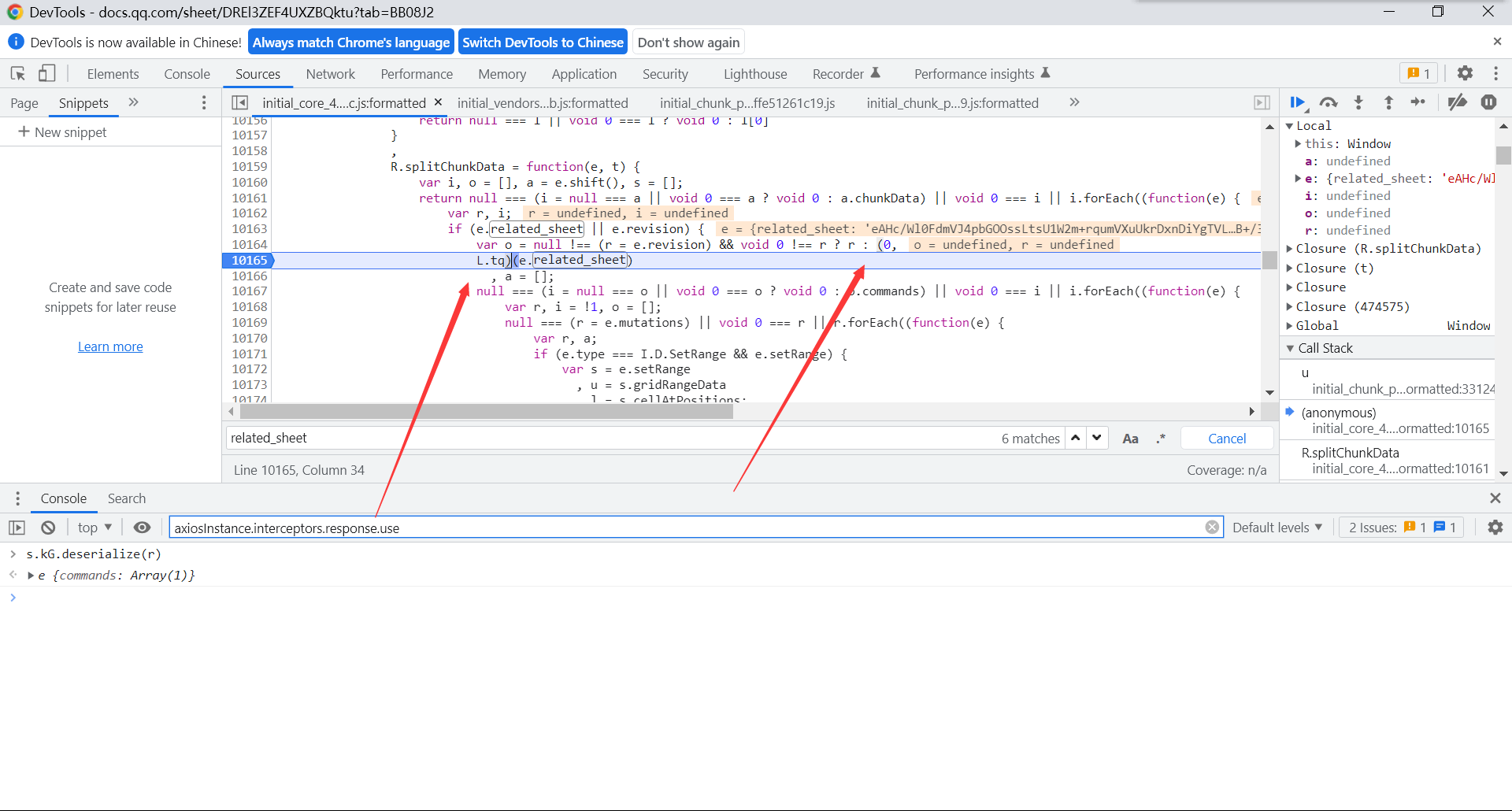
(function(){ var cookieTemp = ''; object.defineProperty(document, 'cookie', { set: function(val){ if(val.indexof('v') != -1){ debugger; } console.log('Hook捕获到cookie设置-》', val); cookieTemp = val; return val; }, get: function(){ return cookieTemp; }, }); })();- hook 请求头中的参数 - ```javascript (function(){ var org = window.XMLHttpRequest.prototype.setRequestHeader; window.XMLHttpRequest.prototype.setRequestHeader = function(key, value){ if (key == 'related_sheet'){ debugger; } return org.apply(this, arguments); } })();
-
-
hook debugger
-
var AAA=Function.prototype.constructor Function.prototype.constructor=function(x){ if(x != 'debugger'){ return AAA(x) }; return function(){}; }- //*[@id="cao_widget_pay-3"]/div[2]/div/a[2] - - ``` tqm = tree.xpath('//*[@id="refurl"]//text()')[0] 搜索related_sheet
-
- OB插件
Fucksojson
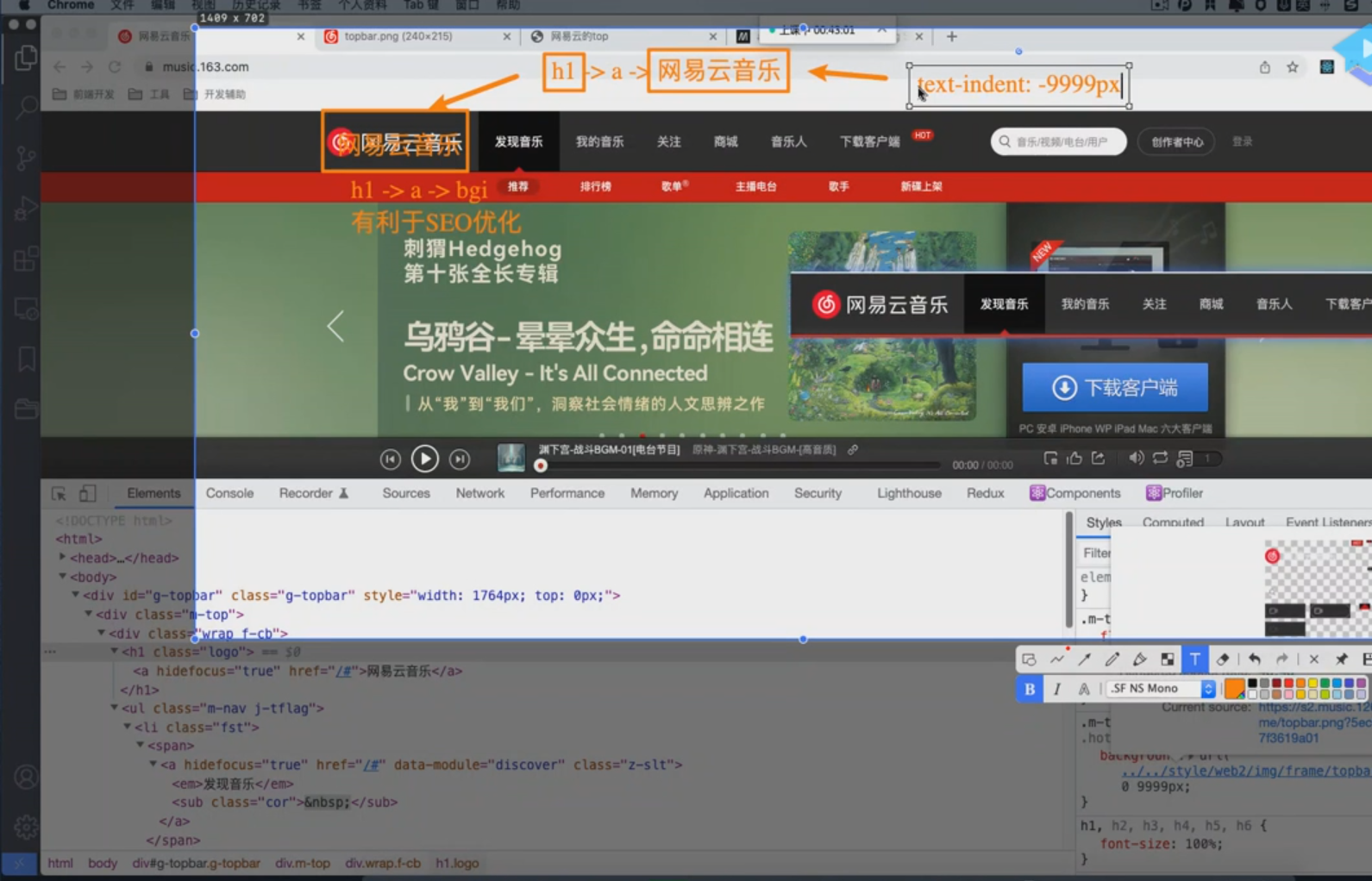
SEO优化